After standing in lines, submitting your documents, and completing your mandatory biometric verification at a VFS Tasheer center in Pakistan, the most anxious phase begins: waiting for your passport to return from the Royal Saudi Embassy. Whether you applied for an employment contract, a residency setup, or a family visit visa, you don't have to sit in the dark wondering where your passport is.
The Tasheer system features an online tracking architecture that allows you to monitor the real-time movement of your visa files. At Gulf Medical Consultants, we take the guesswork out of your travel planning. We specialize in helping thousands of overseas workers, professionals, and families process their documentation smoothly and stay updated on their critical travel passports.
Tired of Portal Glitches and Tracking Errors? If the official visa platform fails to load or crashes during your status check, our dedicated assistance desk can verify your live embassy data checkpoints manually. Click Here to Connect with Our Tasheer Support Team Now.
How to Track Your Tasheer Visa Status Online
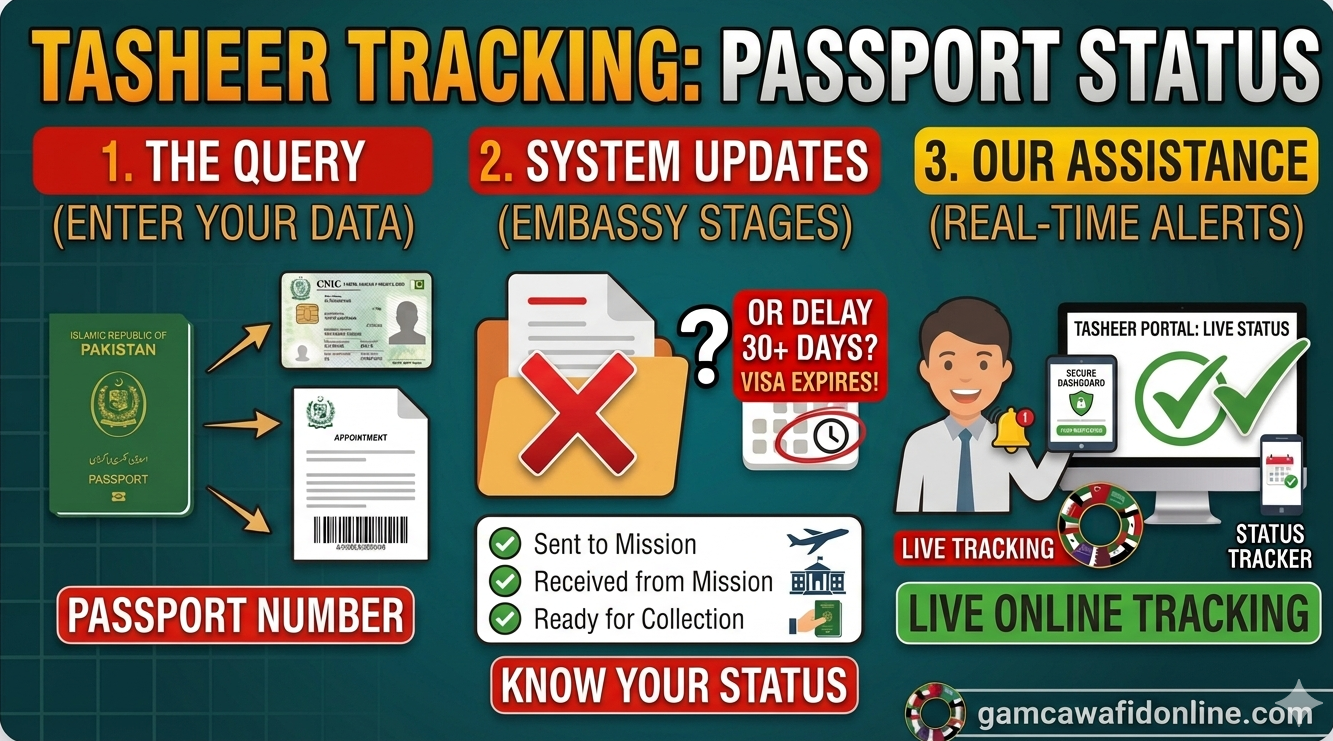
To check your application status on the official portal, you will need two critical pieces of information found on the receipt or appointment letter handed to you at the Tasheer counter:
- Your Passport Number: Must be entered exactly as written, including any prefix letters.
- Your Application Reference Number / No. of Visa Slip: This usually begins with country or city initials (like PKL for Lahore, PKI for Islamabad) printed cleanly right above the main barcode tracking section.

Check your appointment letter or token receipt for the barcode reference string highlighted above.
Below is a screenshot preview of the official tracking portal interface layout where you will input your data parameters:
The official VFS tracking input terminal where you submit your identity parameters.
Simply click the button below to navigate to the official portal tracking page, select "Pakistan" as your origin country, input your unique details, and complete the security captcha code:
👉 Open Official Tasheer Tracking Portal
Understanding Tasheer Status Messages (What They Mean)
When you query the tracking interface, the system will output specific operational messages. Here is what those updates mean for your passport delivery timelines:
1. "Application Received / In-Source Center"
This means your physical passport, biometric scans, and attested documents have been successfully registered at your local primary hub (such as Lahore, Karachi, or Islamabad) but have not yet been sent to the embassy. It is undergoing initial logistics sorting.
2. "Sent to Mission / Dispatched to Embassy"
Your document pouch is securely en route or has safely arrived at the Royal Saudi Embassy in Islamabad. The visa officer is now actively verifying your data inputs, electronic invitation stamps, and medical records.
3. "Processed; Received from Mission"
The Saudi embassy has finalized its administrative review and returned your physical passport back to VFS Tasheer. Note: The tracking portal will not explicitly state if your visa is approved or rejected due to privacy policies; you will discover the final sticker outcome when you physically open the passport book.
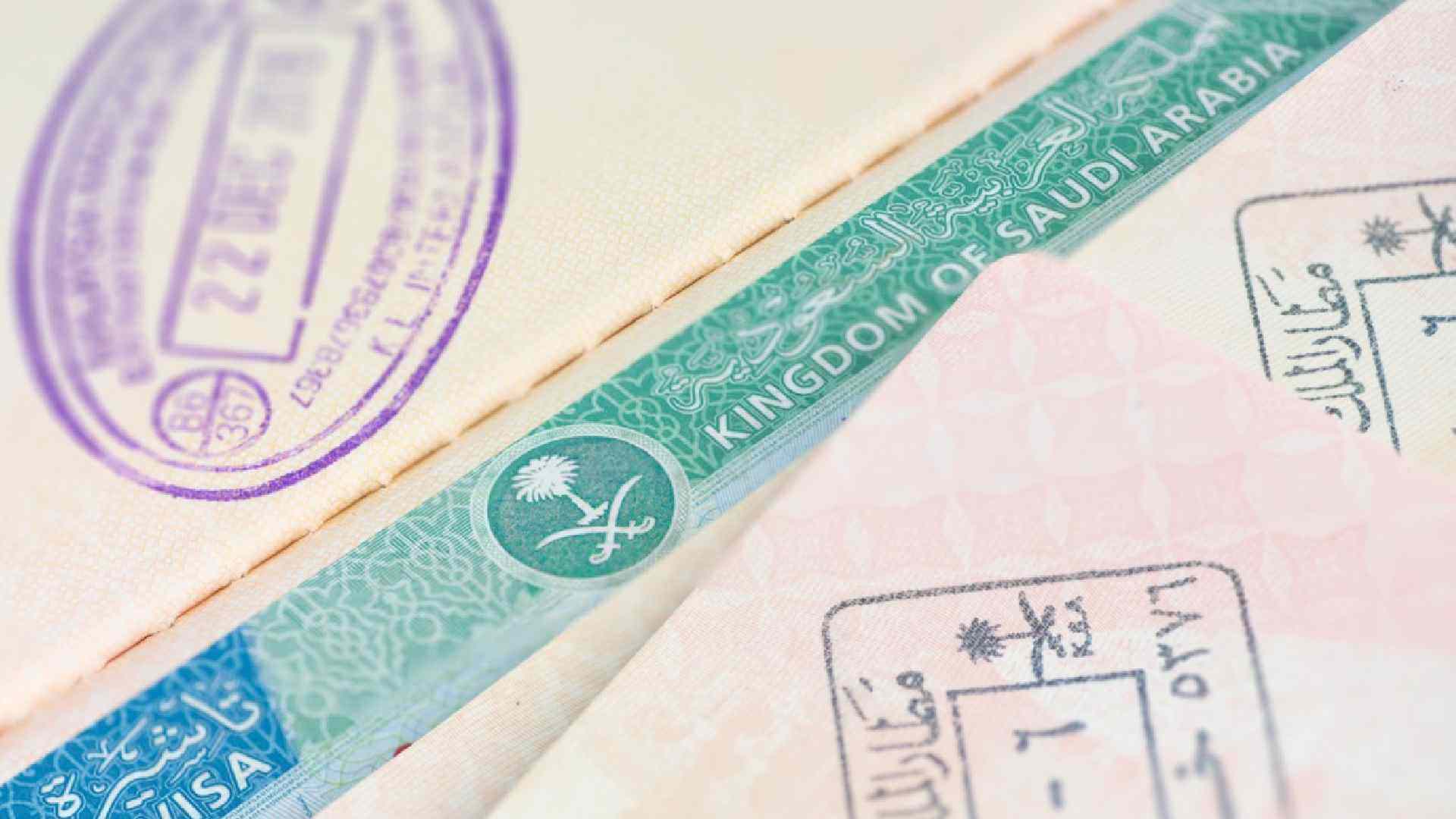
The actual approved visa sticker will be visible inside your passport pages once collected.
4. "Ready for Collection / Dispatched via Courier"
If you opted for self-collection, you can now visit the center with your original token receipt to pick up your passport. If you paid for home delivery services, your parcel has been safely handed over to the courier network (like FedEx or DHL) and will arrive at your home address shortly.
Troubleshooting Common Tracking Errors
Sometimes, tracking doesn't go smoothly. Here are the two most common errors applicants face and how to fix them:
- "No Records Found" Error: Double-check that you haven't confused the number 0 with the letter O in your reference sequence. Also, ensure you enter your passport letters in capital format. If you just finished your biometrics today, wait 24 hours for the system to index your tracking parameters.
- Stuck on "Sent to Mission": If your status remains unchanged for greater than 14 business days, the embassy may be requesting secondary checks on your degree attestations or background documents, or experiencing seasonal processing volume surges.
How Long Does Saudi Visa Processing Take in 2026?
Once your biometrics are securely captured at the desk, standard embassy turnarounds typically take anywhere from 3 to 10 business days. However, applications can run into temporary delays during intense peak travel rushes or specific seasonal pauses. If your tracking page stays stuck for too long, consulting with registration experts can quickly uncover underlying blocks.
How Gulf Medical Consultants Makes It Easy For You
At Gamca Wafid Online (Gulf Medical Consultants), we handle the complex steps so you can focus entirely on your new career or journey. Here is exactly what we manage for you:
- Fast-Track Wafid/GAMCA Slips: Immediate digital processing and fast delivery of medical check-up approvals.
- Hassle-Free Tasheer Booking: Securing hard-to-find biometric slots in Lahore, Islamabad, or Karachi without portal lockouts.
- Document & Status Verification: Double-checking error files and keeping you fully informed so you avoid embassy rejections.
Keeping track of shifting visa parameters, system downtime, and courier timelines can feel overwhelming when your flight dates are looming close. A minor error during tracking entries can make it look like your data doesn't exist in the system, causing unnecessary panic. Let our expert agents look over your timeline securely.
Need Assistance with Your Saudi Visa Process?
Don't risk booking delays or system errors. Secure your complete processing roadmap through our simplified online service today.
Access Our Easy Appointment Form Now