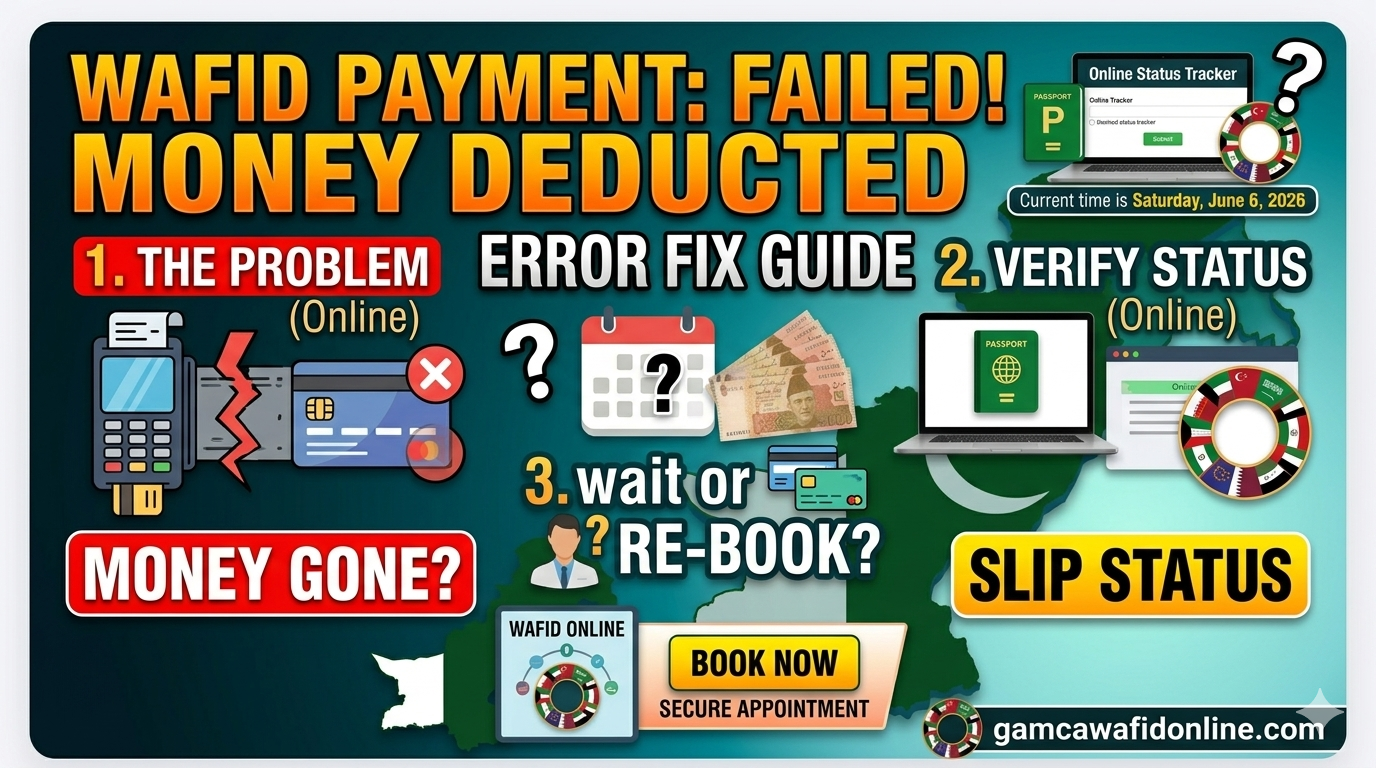
Few things are more stressful than trying to book your mandatory GCC medical appointment, seeing a "Payment Failed" error flash on your screen, and immediately receiving a notification from your bank showing that your funds have been deducted.
For thousands of expatriate workers across Pakistan preparing for employment in Saudi Arabia, the UAE, Qatar, Oman, Kuwait, or Bahrain, this specific technical glitch can cause unnecessary delays. If your cash is gone but you have no WAFID medical slip and no official appointment confirmation, do not panic. This is one of the most frequent transaction errors faced by applicants online.
This troubleshooting guide explains why this payment gateway failure occurs, how to check if your booking processed in the background, and how you can use our consulting platform to secure your appointment without risking further payment errors.
Why the WAFID Portal Deducts Money But Fails the Booking
The official WAFID portal processes a high volume of international transactions daily. When a transaction breaks down mid-way, it is usually a communication disconnect between three separate entities: your local bank, the international merchant gateway, and the central WAFID registration server.
- International E-Commerce Restrictions: Many standard debit cards issued by local commercial banks require explicit, manual activation for international online shopping. If you try to pay without enabling "International Web Transactions" inside your banking mobile app, your bank might authorize the pool of funds but block the final settlement code.
- Session Timeout & 3D-Secure Delays: The payment gateways utilized by central processing servers enforce tight security windows. If there is a delay in receiving your bank's One-Time Password (OTP) via SMS, or if you take too long to complete the secure submission page, the server breaks the session connection. The money clears your account, but the registration server assumes the session was abandoned.
- Server-to-Server Synchronization Drops: At the exact millisecond your bank confirms the deduction, a temporary packet drop can occur between the gateway and the main portal database. The funds are drawn, but the database fails to flag your passport number as "Paid."
Immediate Steps: What to Do If Your Money Was Deducted
Before rushing to attempt a second payment—which might result in a double deduction—follow these exact diagnostic steps to see if your slip was actually generated.
Step 1: Check Your WAFID Slip Status Manually
Sometimes, the official database successfully registers your profile and generates the slip, even if the web page crashed before displaying the print layout. Do not rely entirely on the screen's error message.
- Go directly to the official WAFID Portal.
- Input your exact Passport Number and select your nationality.
- If an active slip appears, your transaction succeeded in the background. You can safely print the registration slip and proceed directly to your assigned medical center.
Step 2: Check Your Communication Logs
Check the registration email inbox you supplied during the application phase. Be sure to check your Spam, Junk, and Updates categories thoroughly. PDF slips and invoice links can sometimes take a short window to arrive if processing queues are congested.
Step 3: Track the Bank Settlement Cycle
If your passport remains completely unlisted in the system after one hour, your payment failed to clear the final target account. The money is currently caught in a holding state inside your bank.
| Transaction Type | Standard Resolution Window | Action Required |
|---|---|---|
| Credit Card Payment | 24 to 48 Hours | The held authorization will automatically drop off your statement balance. |
| Standard Debit Card | 3 to 7 Working Days | Funds reverse automatically back into your operational account balance. |
Understanding the Risks of Mismatched Data Re-tries
When an applicant panics over a failed transaction, they often try to quickly type their information again. Rushing through the data input phase leads to typos in critical data fields like passport numbers, expiration dates, or national identities.
A single incorrect character means your slip will not match your legal documentation. When you arrive at the medical testing facility, the laboratory technicians may turn you away, forcing you to go through a complicated correction or re-booking process.
Avoid the Stress: Secure Your Appointment Through Our Platform
You do not have to struggle with unreliable international payment systems, unexpected currency conversion fees, or complex portal errors while trying to arrange your travel paperwork. As a private consultancy service, we help streamline this process by manually verifying your details and handling the booking securely on your behalf:
- Verified Appointment Booking: Bypassing the stress of online portal errors by using our professional WAFID / GAMCA Medical Appointment Booking framework. We manually review your text information against your uploaded documents to ensure zero mistakes before submission.
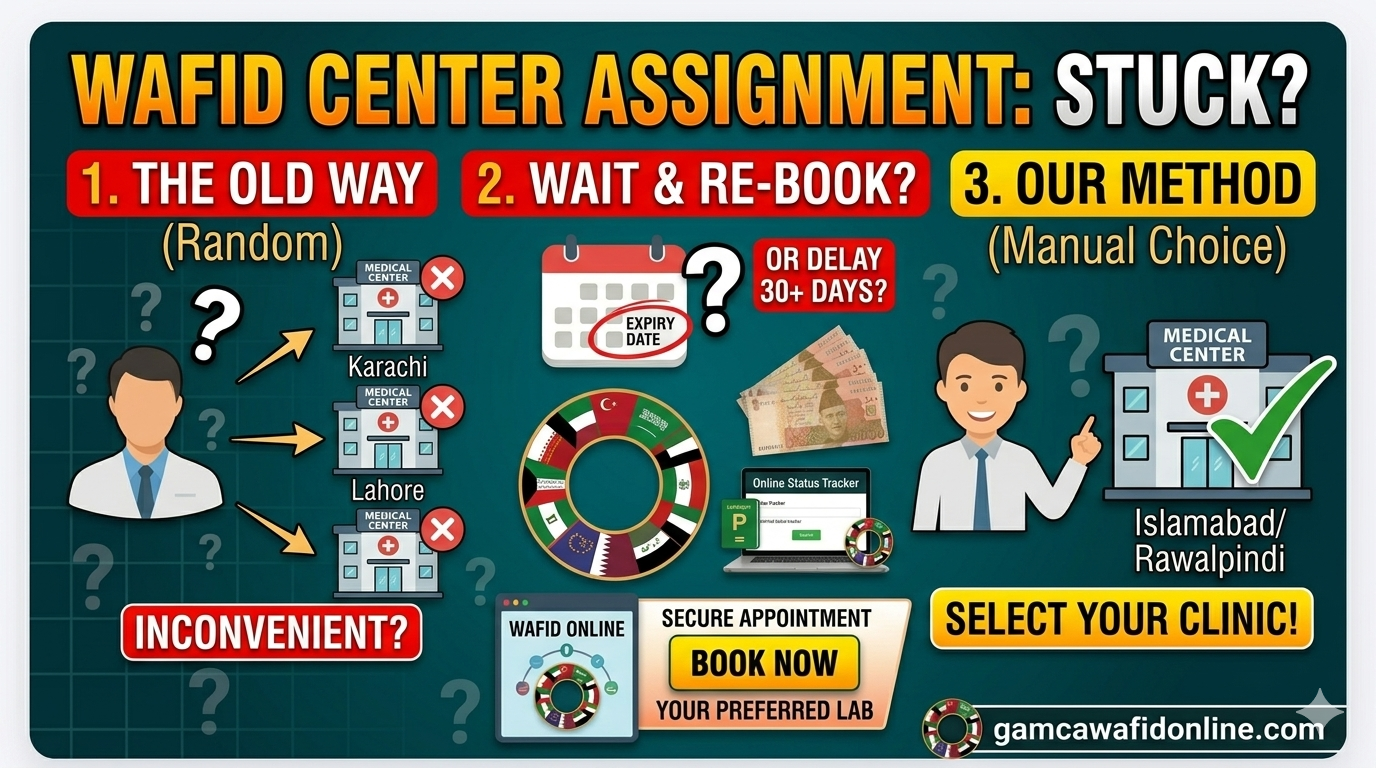
- WAFID Choice Service: If you prefer to manually select your preferred medical center rather than relying on automated assignment, you can request our premium WAFID Choice Service.
- Saudi Visa Biometric Setup: Need to lock in your mandatory biometric slot as well? We can coordinate your schedule via our Tasheer Appointment Booking desk.
- Skill Verification Bookings: For technicians heading out for Saudi assignments, we offer direct support to book your required slots via our NAVTTC / Takamol Skill Verification assistance page.
- Soft Skill Certificates: Enhance your career profile and job readiness for employers in the GCC region by checking out our professional Soft Skill Certificates section.
⚠️ Important Tip: If your payment fails once, do not continuously swipe different bank cards in a short window. Multiple fast attempts can trigger security blocks on your card or flag the portal gateway, pausing your processing capability.
Let our expert consultancy desk handle your paperwork safely. We verify your data, clear the payment on our end, and deliver your confirmed, print-ready official WAFID medical slip directly via WhatsApp. Contact us today or click any of our service pages to get started.